
The everyday problem
A long form uses technical labels and leaves the customer unsure whether it was submitted.
Web & design · Explained
Make websites, apps and business tools easier to understand and use.

Interface design is how a website or application presents information and helps someone complete a task. User experience design considers the whole journey: what people need, where they get stuck and how the product responds. Our design work supports websites, software, products, dashboards and portals.
01 / Follow the journey
Select a step to see what happens. This is an explanation, not a live service.
Step 1 of 4 · Example walkthrough
Identify the people using the product and what they need to complete.
A customer needs to submit a request from their phone.
Identify the people using the product and what they need to complete.
A customer needs to submit a request from their phone.
Put the essential information and actions in a clear order.
Explain the required details before the customer starts the form.
Create layouts and a clickable prototype using the agreed brand. Review readability, keyboard use and smaller screens.
A user can see what happens after submitting a request.
Document the agreed screens, reusable elements and important states.
The design includes success, missing information and unavailable-service states.
02 / Illustrative case study
Illustrative scenario, not a measured client result.
A long form uses technical labels and leaves the customer unsure whether it was submitted.
The interface uses everyday language, asks for the necessary information and shows a clear result. Errors explain what the person can do next.
Test whether representative users can complete the task, understand errors and identify the next step.
03 / From idea to everyday use
We agree the scope, ownership and running costs before implementation.
Yes. We work with your approved identity, copy and assets to make the website or application consistent and usable.
No. A prototype demonstrates a journey for review. Production development, integrations and testing follow under the agreed scope.
Related capabilities
Give people a clear place to learn about you, enquire, book or buy.
Explore the guide
Build a focused tool when your process needs more than a standard website.
Explore the guide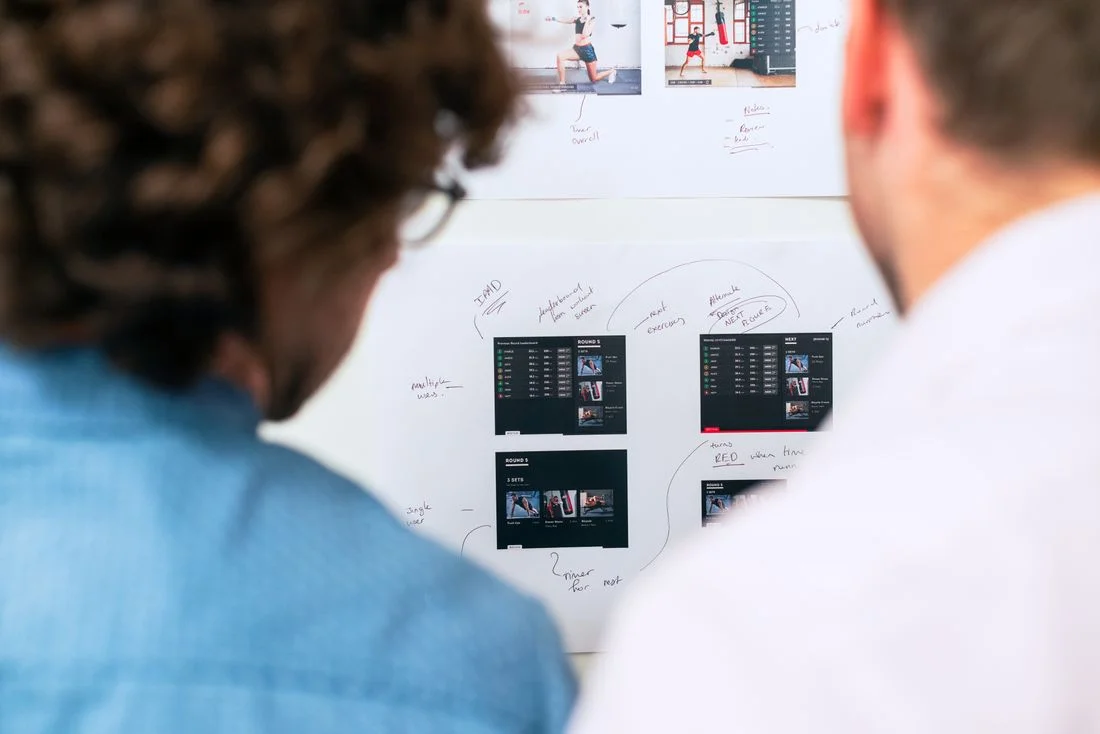
Understand your options before paying for tools or committing to a build.
Explore the guide