
The everyday problem
Two colleagues reply to the same lead while another enquiry is missed.
Business tools · Explained
Keep customer details, conversations and follow-ups in one shared place.

CRM means customer relationship management. In everyday terms, it is a shared customer book with a history and a next step. It helps your team see who enquired, what they need, who is helping them and what should happen next.
01 / Follow the journey
Select a step to see what happens. This is an explanation, not a live service.
Step 1 of 4 · Example walkthrough
A form, email or staff member creates a customer enquiry with the required details.
A prospective customer asks for a website.
A form, email or staff member creates a customer enquiry with the required details.
A prospective customer asks for a website.
Give the enquiry a responsible person, status and follow-up date.
Status: discovery call needed. Owner: project lead.
Record relevant notes, quotes and agreed next steps with appropriate access.
The team can see that a proposal has already been sent.
Reminders and simple reports show overdue tasks and progress.
An overdue callback appears in today's work list.
02 / Illustrative case study
Illustrative business scenario.
Two colleagues reply to the same lead while another enquiry is missed.
Each enquiry has a named owner and a visible status. Staff check the existing record before contacting the customer.
Track overdue follow-ups, duplicates and time spent finding customer history.
03 / From idea to everyday use
We agree the scope, ownership and running costs before implementation.
Yes. Start with the fields, stages and reminders your team actually needs, then expand when there is a clear reason.
Related capabilities

Let your everyday tools pass information between them, so your team can stop copying it by hand.
Explore the guide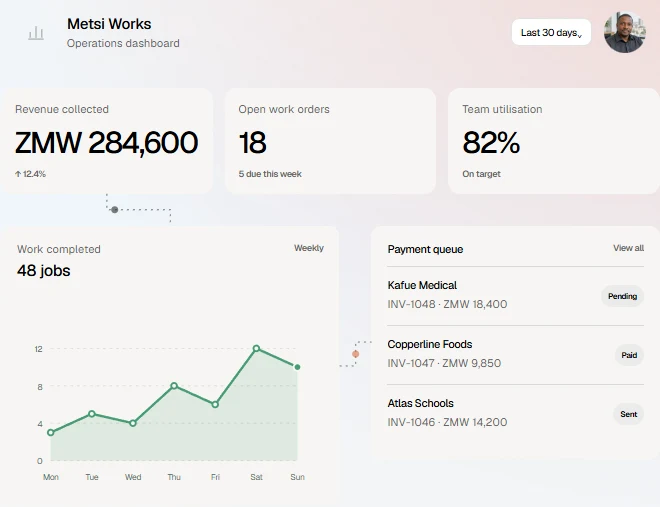
See the numbers and outstanding work that help you make everyday decisions.
Explore the guide
Build a focused tool when your process needs more than a standard website.
Explore the guide